































 [ NEW ]
01 / Two Modes
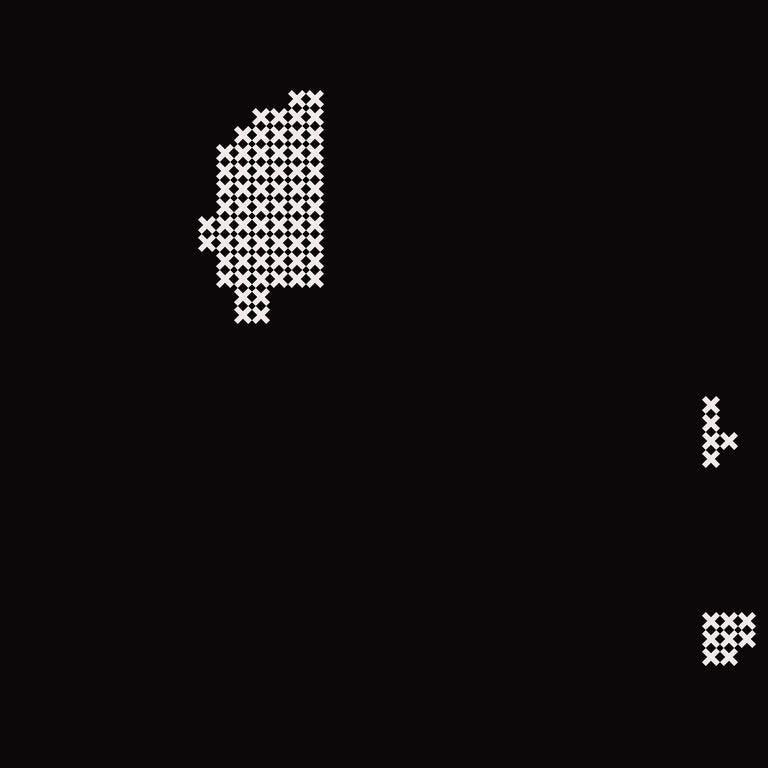
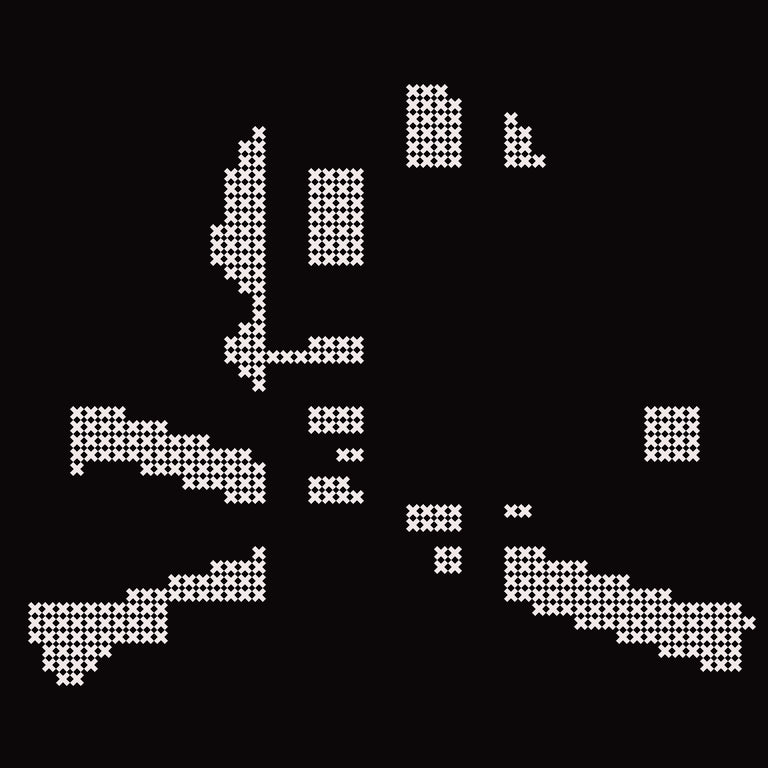
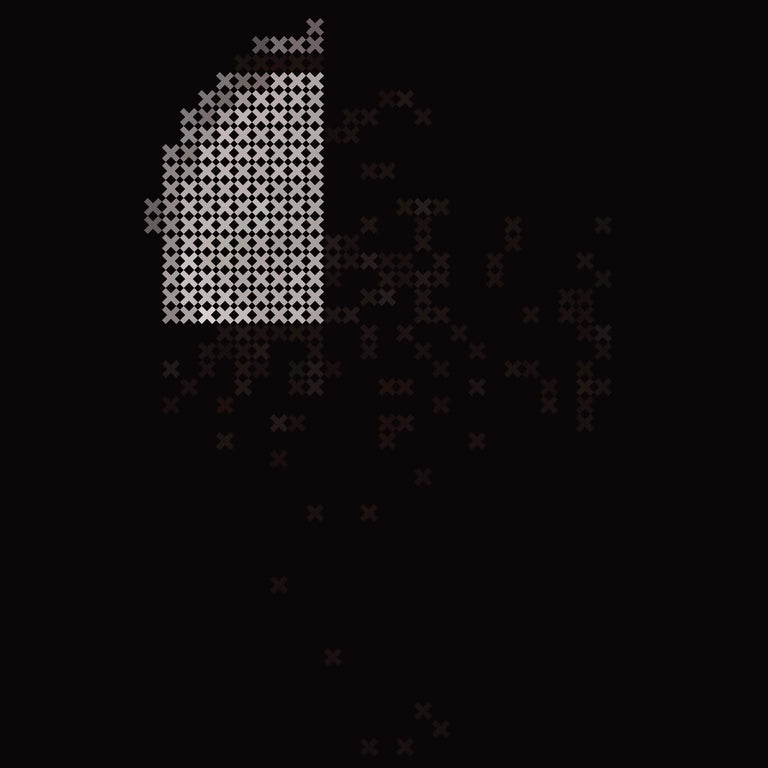
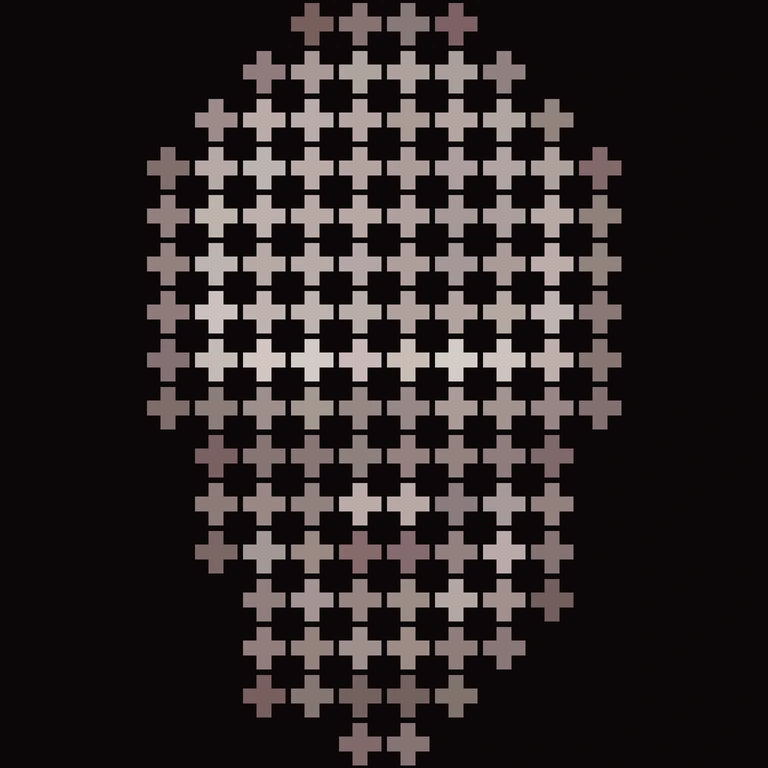
Two modes.
Side by side.
Move either control. Both panes update.
ds-ppv-gV-1-3.webp
ds-ppv-gI-1-3.webp
Pixel Size
13 PX
Shape
Square
Non-destructive
Output: real pixel layer
02 / Output
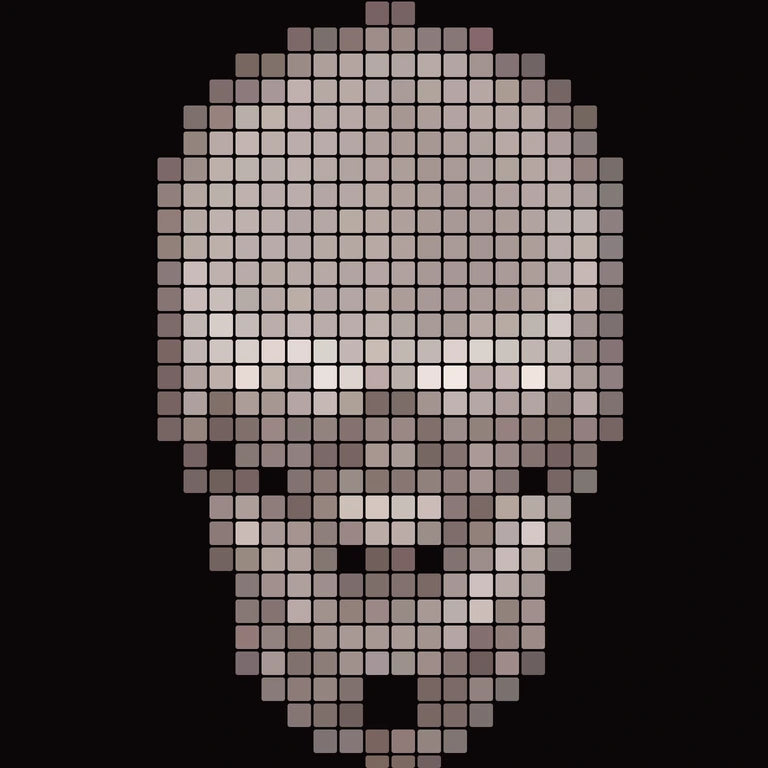
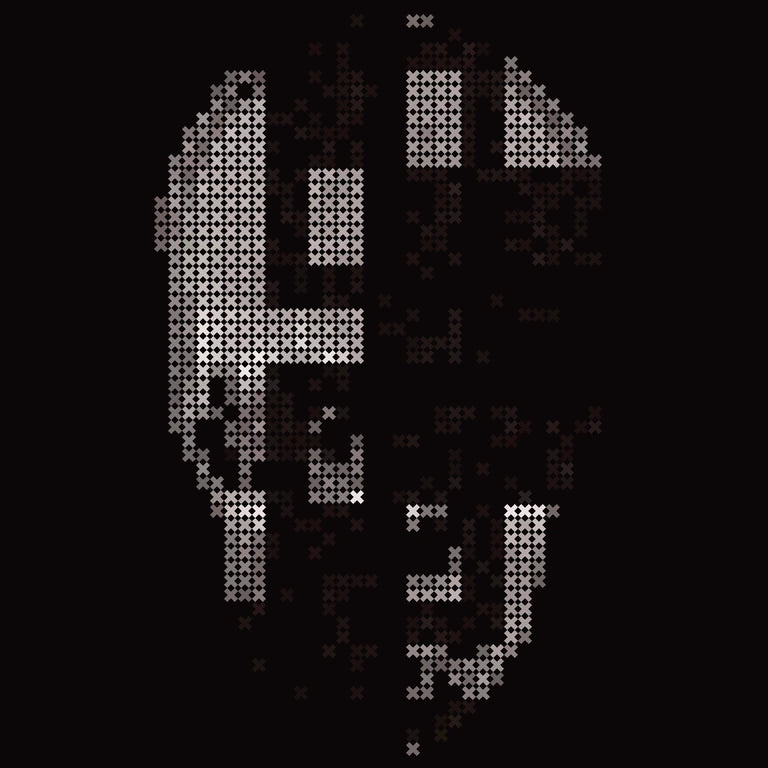
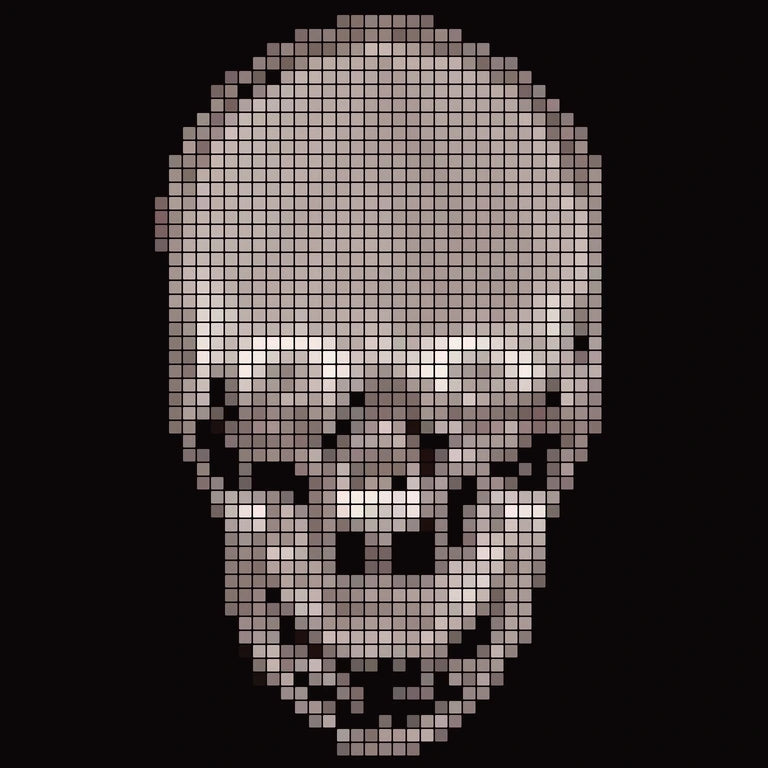
Your artwork.
Rebuilt on a grid.
Drag the divider.


Raw
Pixel Perfect
Show
File
- Showing
- Raw layer
- In
- before.png
- Out
- Artboard_3.png
- Layer
- Source stays. Output is a real pixel layer — move it, mask it, blend it.
On the grid. No blur. No half pixels. Nothing flattened, nothing replaced.
03 / The Point
24 clicks in Photoshop.
Made into one.
04 / Why I built this
I know the pain. The clicking. The undoing. The grid landing a pixel off.
So I built the panel I kept wishing existed.
Now it’s yours.
Disrupted Minds Studio
05 / Compatibility
What it runs on.
And what it doesn’t.
Works with
- Photoshop 23.3 and newer
- UXP plugin (.ccx)
- macOS + Windows
- Creative Cloud install
Does not work with
- Affinity Photo
- CEP / .jsx panels
- Photoshop 23.2 and older
Check yours: Photoshop › About Photoshop.
06 / Every frame here is output
Index // 40 Frames
Nothing here
is a mockup.
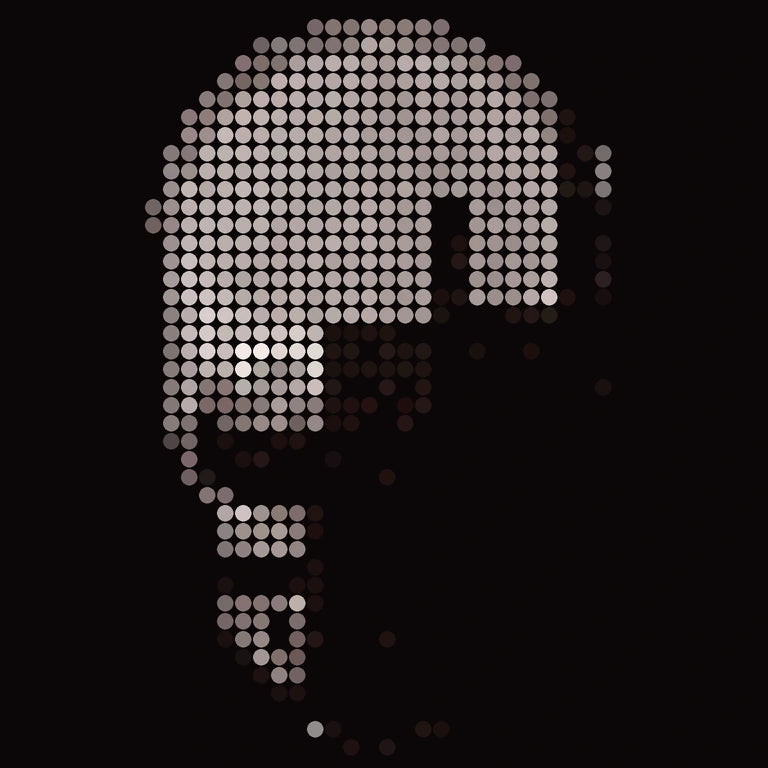
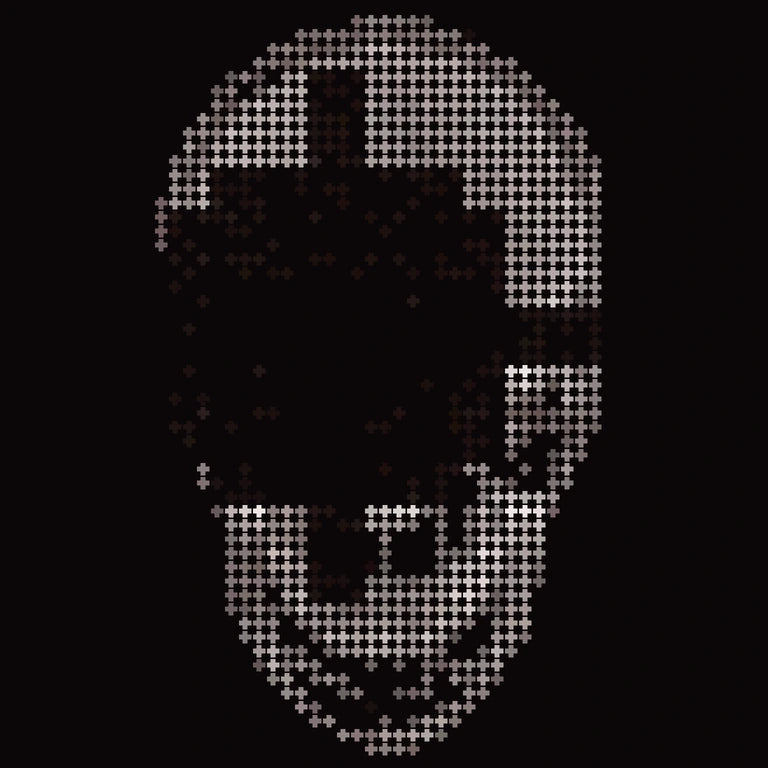
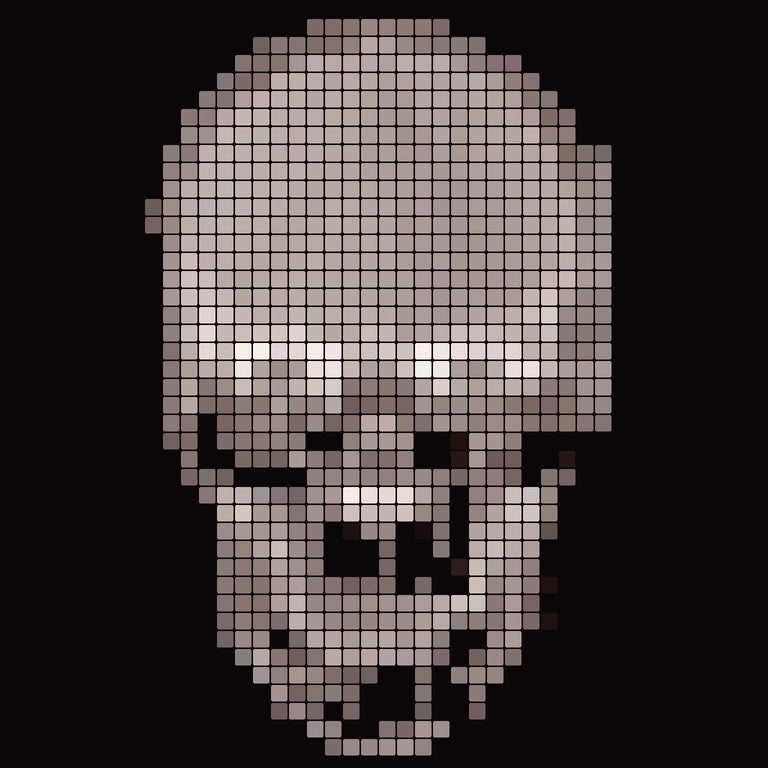
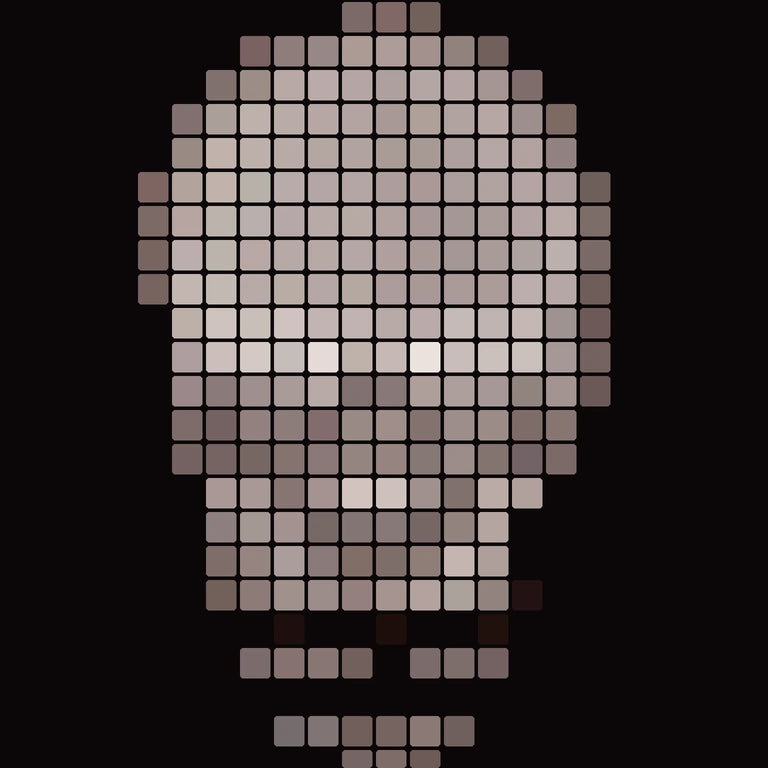
Four shapes. Two modes. Five sizes.straight out of the panel.
One licence · Personal + commercial · Instant download
Common questions 07
01 Does this work with my version of Photoshop?
UXP plugins require Photoshop 23.3 or later on Mac and Windows. CS6 and older Photoshop versions are not supported.
02 How do I install the .ccx file?
Double-click the .ccx file you downloaded. Photoshop opens, prompts you to install, and the plugin appears under the Plugins menu. No restart needed for most installs.
03 Can I use the plugin on multiple machines?
Yes — one designer on up to 2 of your own devices (e.g., laptop + desktop). For 5+ seats or studio-wide installation, email blainepatedesign@gmail.com for a custom Studio quote.
04 Can I use the output commercially?
Yes. Pixel Perfect ships with a single license that covers both personal and commercial use — client work, products you sell, paid ads, anything monetized. There is no separate commercial tier to buy. See the License page for the full breakdown.
05 Will I get updates?
Yes — lifetime updates within the current major version. Major upgrades (v2, v3, etc.) may be priced separately when they ship.
06 What's the refund policy?
Digital downloads — all sales final. Defective or non-functional files are replaced at no charge; email blainepatedesign@gmail.com. EU buyers have a 14-day right of withdrawal before downloading per Article 16(m) of the Consumer Rights Directive.

